
WordPress Maintenance: Keep Your Site Secure, Fast & Profitable
WordPress Maintenance: The Complete Guide to Keeping Your Site Healthy, Secure, and Profitable
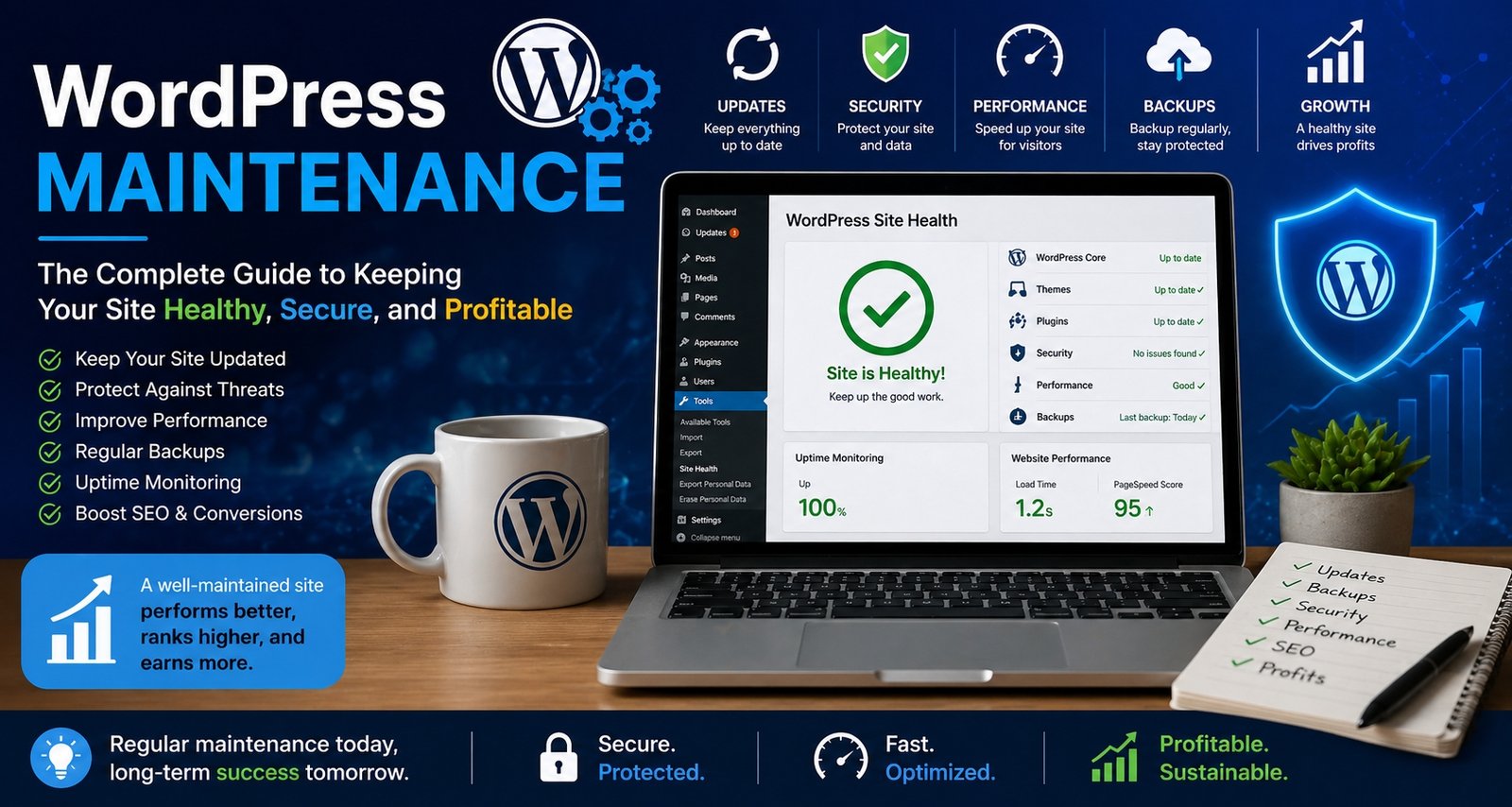
A well-maintained WordPress site performs better, stays secure and drives more revenue. This guide explains the essential maintenance tasks every website owner should follow to keep their site healthy and profitable.
Most website owners imagine that the hardest part of having a WordPress site is launching it. In reality, the launch is the easy part. What separates a site that quietly grows in traffic, leads, and revenue from one that slowly slips into irrelevance is something far less glamorous: WordPress maintenance. It is the regular, behind the scenes care that keeps the engine running, the doors locked, and the lights on. In this guide I want to walk you through exactly what proper WordPress maintenance involves, why it matters more than most owners realise, and how to build a routine that protects your investment without becoming a second job.
What Is WordPress Maintenance?
WordPress maintenance is the ongoing process of monitoring, updating, securing, optimising, and backing up a WordPress website so that it continues to perform reliably for visitors and search engines. Think of it as the digital equivalent of looking after a car. You can drive a new vehicle off the forecourt and ignore servicing for two years, but eventually something quiet becomes something expensive. Websites behave the same way. Small issues that go unaddressed quietly compound into outages, security breaches, slow load times, and lost rankings.
At its core, WordPress maintenance covers six broad areas: software updates, security monitoring, backups, performance tuning, content quality, and uptime checks. A well maintained site is not simply a site that loads. It is a site that loads quickly, ranks well, resists attack, recovers gracefully when things go wrong, and presents accurate information to its visitors.
Why WordPress Maintenance Matters More Than People Think
WordPress powers a remarkable proportion of the public web, and that popularity comes at a cost. Because so many sites use the same underlying platform, attackers have a strong incentive to scan continuously for vulnerable installations. Industry data from security firms such as Wordfence and Sucuri consistently shows that the vast majority of compromised WordPress sites were running outdated core files, themes, or plugins at the time of the breach. The fix had usually been available for weeks or months. Maintenance, in other words, is rarely about preventing exotic threats. It is about closing doors that someone has already shown you how to lock.
Beyond security, neglected sites quietly lose ground in three other ways. They slow down as databases bloat and unused plugins stack up. They drop in search rankings as Google’s algorithms reward technical health and freshness. And they erode user trust as broken images, expired certificates, and outdated information accumulate on the public face of the brand.
The Real Cost of Skipping Maintenance
Owners often skip ongoing care because they see it as an optional expense. The arithmetic, however, usually runs the other way. Consider what neglected maintenance actually costs over time:
- Recovery from a hack: Professional malware cleanup typically ranges from £150 to £600 for a single incident, sometimes much more if a clean backup is unavailable.
- Lost revenue during downtime: Even a small business site bringing in a handful of leads each week loses real money when it is offline for forty eight hours.
- SEO damage: Google can deindex a site flagged as compromised, and clawing back lost rankings often takes months.
- Insurance and compliance risk: If your site collects personal data, failing to keep it secure can expose you to obligations under UK GDPR, enforced by the Information Commissioner’s Office.
- Brand damage: Visitors who hit a malware warning rarely come back, even after the issue is fixed.
Set against these costs, a structured maintenance routine, whether handled internally or outsourced, almost always pays for itself.
The Six Pillars of Effective WordPress Maintenance
1. Core, Theme, and Plugin Updates
WordPress core, your active theme, and every installed plugin receive periodic updates. These typically include security patches, bug fixes, and feature improvements. Updates should be applied promptly, but not blindly. Always test major updates on a staging copy of the site before pushing them live, because plugin conflicts can occasionally break layouts or critical functionality. The official WordPress documentation on updates explains the recommended process in detail.
2. Security Hardening and Monitoring
Security maintenance includes installing a reputable security plugin, configuring firewall rules, enforcing strong passwords, limiting login attempts, and removing unused administrator accounts. Two factor authentication should be enabled on all admin accounts. File integrity monitoring should be in place so that unauthorised changes to core files are flagged the moment they occur.
3. Backups
A site without recent, restorable backups is a site living one bad afternoon away from disaster. Automated daily backups stored offsite, ideally in a separate cloud account from the hosting itself, are the bare minimum for any commercial site. Equally important is testing the restore process at least quarterly, because a backup you have never restored is not really a backup at all.
4. Performance Optimisation
Performance work covers caching, image compression, database cleaning, and minimising third party scripts. Tools such as GTmetrix and Google’s PageSpeed Insights provide a starting baseline. Over time, performance drifts as new content, plugins, and tracking tags are added, so periodic re measurement is essential.
5. Content and SEO Hygiene
Maintenance is not only technical. Broken links, missing alt text, outdated statistics, expired offers, and orphan pages all damage user experience and search visibility. Quarterly content audits, even short ones, keep the site looking professional and well kept in the eyes of both readers and crawlers.
6. Uptime and Error Monitoring
An external uptime monitor checks your site at regular intervals from outside your own network and alerts you the moment it goes down. Pair this with error log monitoring to catch slow database queries, plugin warnings, and PHP notices before they become user facing problems.
How Often Should Maintenance Be Performed?
The right rhythm depends on the size, complexity, and importance of the site, but the following schedule works well for most small and medium businesses:
- Daily: Automated backups, security scans, uptime monitoring.
- Weekly: Apply minor plugin and theme updates after staging review, check forms and key user journeys, monitor spam comments.
- Monthly: Apply major updates, clean the database, review performance scores, check broken links, audit user accounts.
- Quarterly: Full content review, restore test from backup, security audit, theme and plugin inventory cleanup.
- Annually: Strategic review, hosting plan reassessment, design refresh consideration, accessibility audit.
In House Maintenance vs Outsourced WordPress Maintenance
There are three common ways to handle ongoing WordPress care, and each suits a different type of owner.
The first is fully in house, where someone within the business handles updates and monitoring. This works well for tech literate owners with time to spare, but it falls apart the moment that person becomes busy or leaves the organisation. The second is outsourced to a freelancer, which offers flexibility but can leave the site exposed during holidays or illness. The third is a managed maintenance plan from a specialist agency or managed hosting provider. Plans typically range from £30 to £200 per month depending on coverage, and they suit businesses that want predictable costs, professional response times, and a single point of accountability.
The right choice depends on how much downtime your business can absorb. A personal blog can tolerate a week of inattention. A booking system, e commerce store, or lead generation site usually cannot.
Common Mistakes That Make WordPress Maintenance Harder Than It Needs to Be
Years of looking after WordPress sites surface the same recurring mistakes:
- Installing too many plugins: Each plugin is a potential point of failure. Audit ruthlessly and remove anything not actively used.
- Editing themes directly: Always use a child theme. Direct edits to a parent theme are wiped on the next update.
- Relying on a single backup location: If your backups live on the same server as your site, a server failure takes both with it.
- Ignoring staging environments: Pushing updates straight to a live commercial site is the digital equivalent of operating without anaesthetic.
- Forgetting about user accounts: Old admin accounts belonging to former staff, freelancers, or developers are a recurring source of breaches.
- Postponing PHP version upgrades: Running on an outdated PHP version harms both performance and security.
- Treating speed as a launch concern: A site that loaded quickly at launch will gradually slow down without ongoing tuning.
WordPress Maintenance and SEO: The Quiet Connection
Search engines do not assess sites in a single snapshot. They assess them continuously. A site that loads slowly, returns errors, or hosts malware sends signals that quietly erode rankings. Conversely, a site that consistently returns clean pages, stays fast, and updates content regularly accumulates trust. Many SEO problems blamed on algorithm changes are in fact maintenance problems wearing a costume. Beginner friendly resources such as WPBeginner are useful for owners learning these connections for the first time.
The technical SEO essentials that maintenance touches include sitemap accuracy, canonical tags, image optimisation, redirect management, structured data integrity, and Core Web Vitals scores. None of these stay healthy on their own. They require the same regular attention as any other moving part of the site.
Security as the Heart of WordPress Maintenance
If maintenance had to be reduced to a single discipline, it would be security. The most common attack vectors against WordPress sites are predictable and largely preventable: outdated plugins, weak passwords, exposed wp admin paths, unpatched themes, and compromised hosting environments.
A pragmatic security baseline includes:
- Strong, unique passwords stored in a password manager
- Two factor authentication on every administrator account
- A reputable security plugin with active firewall rules
- Limited login attempts and protection against brute force attacks
- Regular malware scans
- Disabled file editing from inside the WordPress dashboard
- SSL certificates correctly installed and renewed
- Hosting on a provider that offers server level security and isolation
None of these measures are exotic. Together, they block the overwhelming majority of routine attacks.
Performance Maintenance: Keeping Your Site Fast Over Time
Performance is rarely a single problem. It is the cumulative effect of many small choices: an extra tracking pixel here, an oversized image there, a database table that has not been optimised in two years. Effective performance maintenance includes:
- Caching at page, browser, and object level
- Image compression and modern format delivery such as WebP
- Lazy loading for images and embeds below the fold
- Database optimisation including the removal of post revisions, expired transients, and orphaned metadata
- Use of a content delivery network for global audiences
- Minimisation of render blocking JavaScript and CSS
- Periodic review of third party scripts and tags
Performance maintenance has direct revenue impact. Studies repeatedly confirm that even small improvements in load time correlate with measurable lifts in conversion rate, particularly on mobile.
Backups and Disaster Recovery
The simplest test of any maintenance regime is this: if your site disappeared in the next ten minutes, how long would it take to restore it, and how much data would you lose? A mature backup strategy answers both questions confidently. It includes daily automated backups, weekly retention for at least a month, monthly retention for at least a year, offsite storage independent of the hosting provider, and a documented restore procedure that has been tested.
Disaster recovery planning extends backups into a broader posture: who is responsible, where the credentials live, how the team communicates during an outage, and how customers are informed. A small business does not need a fifty page manual, but it does need more than hope.
A Practical WordPress Maintenance Checklist
Use the following checklist as a starting point for your own routine, adapting it to the size and importance of your site.
- Confirm daily backups completed successfully
- Review uptime and performance alerts
- Apply tested plugin and theme updates weekly
- Apply WordPress core updates promptly after staging review
- Run a security scan weekly
- Test contact and checkout forms weekly
- Optimise the database monthly
- Audit and remove unused plugins and themes monthly
- Check Google Search Console for new errors monthly
- Review broken links monthly
- Audit user accounts and permissions quarterly
- Test backup restoration quarterly
- Refresh outdated content quarterly
- Review hosting plan and PHP version annually
Building a WordPress Maintenance Culture, Not Just a Task List
The most successful WordPress maintenance programmes are not run from spreadsheets. They are run from habits. Pick a fixed day each week for routine checks. Keep a simple log of what was done and what was deferred. Decide in advance who is responsible when things go wrong and how decisions are made under pressure. The technology side of maintenance is largely solved. What separates well kept sites from neglected ones is almost always organisational discipline rather than tooling.
If you outsource maintenance, ask your provider for a monthly report. A reputable maintenance service will produce one without prompting. If they cannot tell you what they did last month, they probably did not do very much.
When to Consider a Maintenance Plan vs a Full Rebuild
Sometimes maintenance reaches a point of diminishing returns. If a site is built on an unsupported page builder, runs on an obsolete PHP version, depends on plugins no longer maintained, or has been patched so many times that the codebase is unintelligible, ongoing maintenance can cost more than a clean rebuild. The decision usually rests on three questions: how much technical debt has accumulated, how central the site is to the business, and how soon the next strategic redesign is due. A well maintained site reaching the end of its useful life is healthier ground for a rebuild than a neglected site reaching a breaking point.
Final Thoughts
WordPress maintenance is not glamorous, and that is precisely why it matters. The work that keeps a site healthy is invisible when it is done well and brutally visible when it is not. Treat your site the way you would treat any other working asset in your business. Schedule the care, document the routine, invest sensibly in either internal time or external expertise, and resist the temptation to defer the unsexy work in favour of the next shiny project. Sites that thrive over the long term are almost never the most spectacular at launch. They are the ones that quietly receive consistent, professional attention week after week, year after year. That, more than anything else, is what WordPress maintenance is really about.
Frequently Asked Questions
How much does WordPress maintenance cost in the UK?
Managed maintenance plans typically range from £30 to £200 per month depending on the level of cover, response times, and whether content updates are included. Larger e commerce or membership sites usually sit at the upper end of this range or beyond.
Can I maintain my WordPress site myself?
Yes, particularly for smaller sites. The main requirement is a consistent routine and a willingness to test updates on a staging site before applying them live. The risk with do it yourself maintenance is not capability but consistency, especially during busy periods.
How often should WordPress be updated?
Minor security and bug fix releases should be applied within a few days of release. Major core updates should be tested on a staging copy before being applied, ideally within two to four weeks of release.
What happens if I never update my WordPress site?
The site becomes increasingly vulnerable to known exploits, slowly degrades in performance, and loses search visibility over time. Most sites that are eventually hacked were running outdated software at the moment of compromise.
Do I really need backups if my hosting provider says they take them?
Yes. Hosting backups are useful but should never be your only line of defence. Always maintain an independent backup stored outside the hosting environment, and test the restore process at least once a quarter.
What is the most overlooked part of WordPress maintenance?
Restore testing. Many sites have backups, but very few owners have ever actually restored from one. A backup that has never been tested is closer to a hope than a safeguard.
Is managed WordPress hosting the same as a maintenance plan?
Not quite. Managed hosting usually covers server level security, automatic core updates, and basic backups. A full maintenance plan adds plugin and theme updates, performance tuning, content support, and proactive monitoring tailored to your specific site.
You May Like To Read: